Bridged models in Clarity
Bridge models cannot be opened as Live models within Revit, which previously limited your ability to work with these referenced models in Clarity. We've solved this by adding new functionality that allows you to open models as Published directly in Revit.
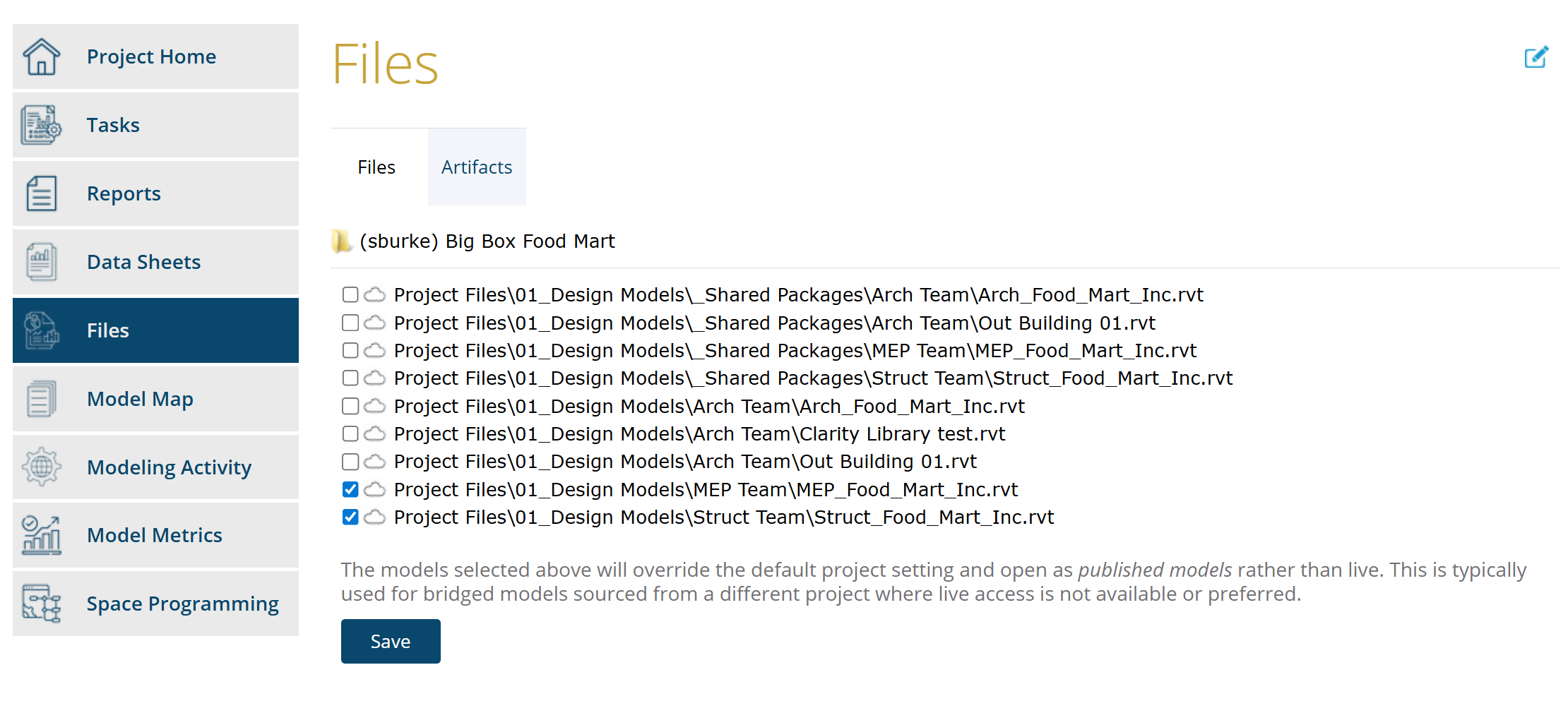
While this enhancement can be applied to any model in your project, it was specifically designed to address the limitations of bridged models.In the image below, multiple files are selected in the project's Files area to "Open as Published." This ensures Clarity operations run against the latest published versions of these models.