360 Stale Project Things To Check
Issue
Projects are showing as Stale in Clarity

Cause/Things to Check
- Autodesk Health
- Were there Autodesk outages that may have affected things?
-
In Clarity
- Is the Clarity Monitoring Service still running?
- Stop/Start the service to rescan everything
- Server tab, Central Host
- Server tab, Central Host
- Stop/Start the service to rescan everything
- Is the Oauth for that project still valid?
- Server tab, Settings, Oauth
- Select Check to see what Hubs/Projects you can see with that Oauth
- IF YOU DON'T SEE THE HUB WHEN YOU CHECK, THERE IS SOMETHING WRONG WITH THE APP IN ACC.
- Try removing the app and reinstalling it and verify it is active.
- If you see the Hub, but not the Project, check the project permissions in 360/ACC for the Oauth identity assigned to the project in Clarity
- Try removing and adding that identity to see if that resolves the issue
- IF YOU DON'T SEE THE HUB WHEN YOU CHECK, THERE IS SOMETHING WRONG WITH THE APP IN ACC.
- Edit the project and go to the Project Type tab, Edit and re-select the Oauth for the project to reset it.
- Reset the Sub Folder.
- Generally, It should at least be set to Project Files\
- https://imaginit.helprace.com/i603-how-to-edit-a-360-project-in-clarity
- Reset the Sub Folder.
- Do you see the models on the project home page? We must see them here in order for them to be available for tasks.
In 360
- Is that account active in the project in 360?
- Is the Oauth identity still assigned to the project?
- Is that identity also part of the document management team?
- Is the project still active in 360?
- If the project has been archived in 360 it will show as stale regardless of the Oauth and Monitoring status.
- Is the Clarity App still Active?
- If you uninstall the app and reinstall it does the hub/project show up?
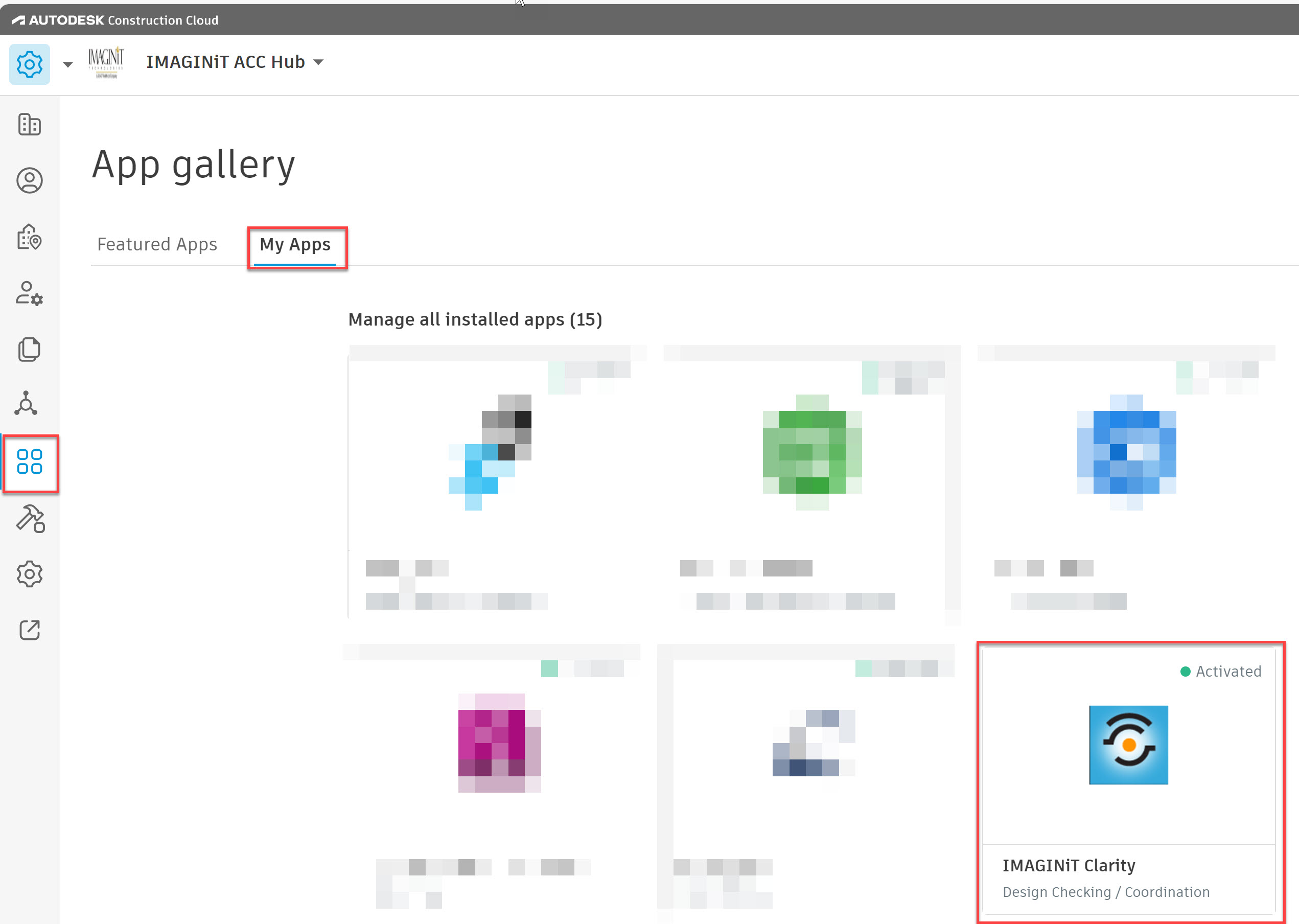
- Is the Clarity Monitoring Service still running?


Diagnostics
Please stop/start the Clarity Monitoring service then wait about 10 minutes and send all of the logs
Server tab, Logs

Or from this folder on the host.
Host
C:\ProgramData\IMAGINiT Technologies\Clarity\Logs